.png)
Remote Work
Ergonomics for Remote Workers: A Guide to Healthy and Productive Workspaces
Your home office setup matters more than most remote workers realize. Here is how to apply ergonomics principles to protect your health and stay productive wherever you work.
· March 1, 2025 · 7 min read
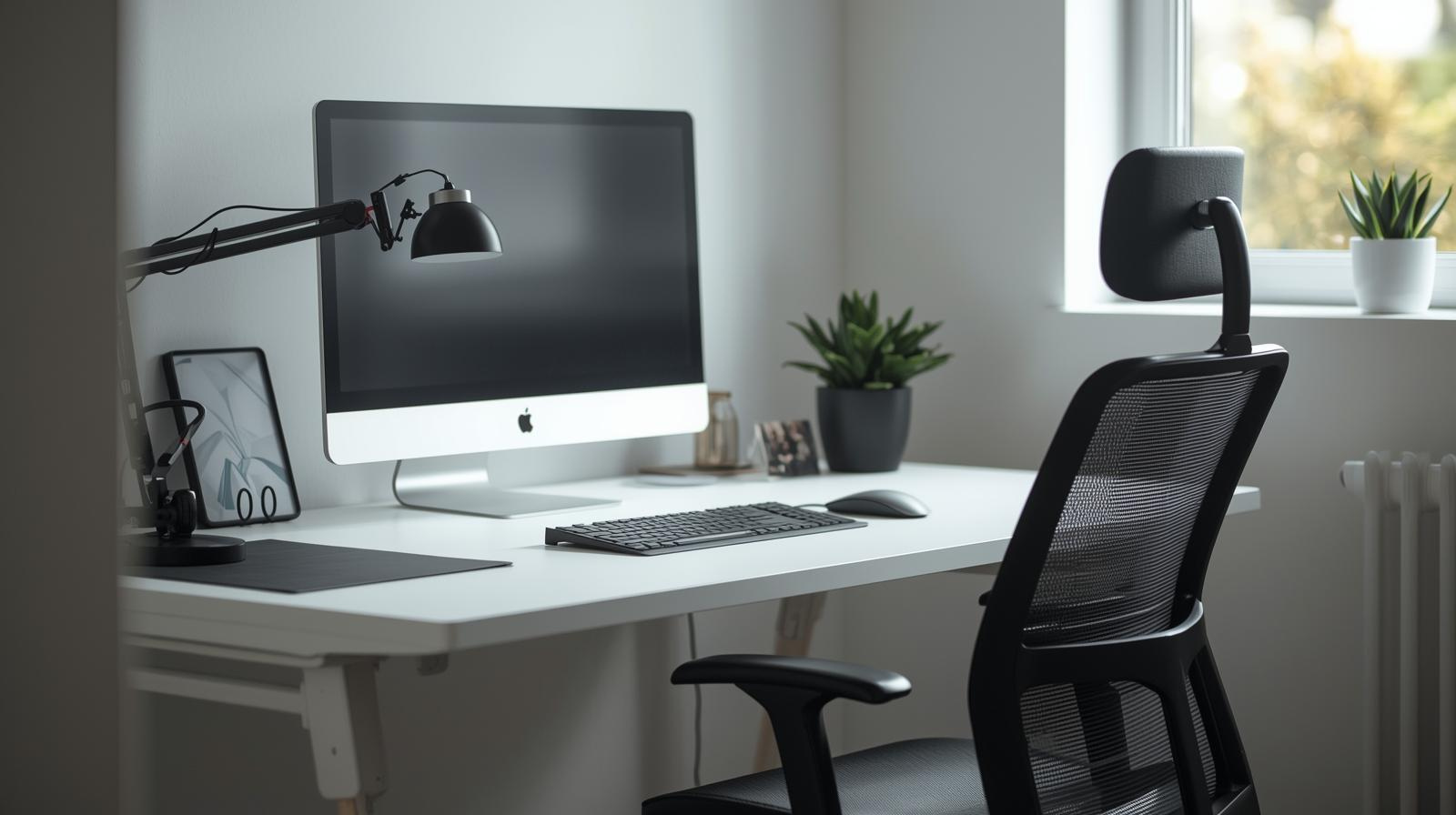
As more people embrace remote work, turning the home into a professional workspace has become the new normal. The flexibility is real — but so are the risks. Poor ergonomics can quietly turn a convenient setup into a source of pain and long‑term health issues.
One survey found that around 41% of remote workers reported more shoulder, back, or wrist pain after shifting to makeshift home offices like kitchen counters and dining tables. Those improvised setups can contribute to musculoskeletal disorders (MSDs), which are becoming more common as remote work spreads.
If you want better health and productivity over the long haul, dialing in your ergonomics is one of the most leveraged changes you can make.
What Is Ergonomics For Remote Workers And Why Should You Care
Ergonomics for remote workers means designing your home office to support your body’s natural posture and movement instead of forcing you to adapt to whatever furniture happens to be available. A few intentional choices can prevent a lot of avoidable strain.
Good ergonomics helps you avoid physical strain, feel more comfortable during long stretches of work, and reduce the risk of chronic issues like back pain, neck tension, repetitive stress injuries, and eye strain. In practice, that translates into better energy and more consistent performance.
- Prevent physical strain: Aligning your posture, chair height, and screen position keeps stress off your spine, shoulders, and wrists.
- Enhance comfort: A well‑designed workspace reduces fatigue so you can stay present with your tasks instead of your discomfort.
- Boost productivity: When you are comfortable, it is easier to focus and easier to sustain deep work without constant micro‑distractions.
- Protect long-term health: Addressing ergonomics early helps ward off chronic issues that can build over years of remote work.
How Can You Optimize Your Chair
Your chair quietly sets the tone for your entire posture. Investing in an ergonomic chair for home office use — or improving the one you already have — can save you from a lot of back and neck trouble later on.
- Prioritize lumbar support: Choose a chair that supports the natural curve of your lower back. If yours does not, use a small cushion or rolled towel behind your lower spine.
- Set the height correctly: Your feet should rest flat on the floor, with your knees at roughly a 90‑degree angle. This helps distribute weight evenly and reduces pressure on your lower back.
- Use armrests wisely: Adjust armrests so your elbows rest close to your sides and your shoulders stay relaxed, not hunched. This takes strain off your neck and upper back.
How Should You Position Your Monitor
Eye strain and neck pain are often symptoms of poor screen placement. A few quick adjustments go a long way toward more comfortable, longer work sessions.
- Keep the top of the screen at eye level: You should be able to look straight ahead at your monitor without tilting your head up or down.
- Maintain an arm’s length distance: Position your screen about an arm’s length away to reduce eye fatigue while keeping text easily readable.
- Reduce glare: Avoid strong reflections from windows or overhead lights. Adjust your monitor angle, move the screen, or use curtains and blinds to cut glare.
How Should You Set Up Your Keyboard And Mouse
Your keyboard and mouse should allow your hands, wrists, and arms to stay in a neutral, relaxed position. That is what prevents many common repetitive‑strain issues.
- Check keyboard height: Aim for roughly a 90‑degree angle at your elbows while typing, with your forearms parallel to the ground. Avoid typing with your wrists bent up or down.
- Place the mouse close: Keep your mouse near your keyboard and at the same height. Move it with your whole arm instead of flexing your wrist repeatedly.
Do Standing Desks Improve Ergonomics
Standing and adjustable desks are popular because they make it easier to alternate between sitting and standing. That variety is key for long‑term comfort and spinal health, as long as you use them intentionally.
- Alternate sitting and standing: Switching positions every 45–60 minutes can improve circulation and reduce back stiffness.
- Dial in desk height: Whether sitting or standing, your desk should let your elbows bend around 90 degrees while your shoulders stay relaxed.
EnRoute Jobs AI tool
Skills Gap Analyzer
See how your skills match a target role and what to learn next.
Why Are Leg And Foot Support Important
Your lower body plays a bigger role in your comfort than many people realize. Poor foot placement or cramped legroom can make even a good chair feel bad.
- Keep feet supported: Ideally, your feet should rest flat on the floor or on a footrest. Sitting with legs crossed or feet tucked under the chair can impact circulation over time.
- Protect legroom: Keep the space under your desk free of clutter so you can shift positions easily and avoid feeling cramped.
How Can Movement Break Up Long Hours Of Sitting
Even the best ergonomic setup cannot fully offset the downsides of sitting in one position for too long. Regular movement keeps your joints, muscles, and circulation in better shape.
- Take regular movement breaks: Every 30–60 minutes, stand, walk, or stretch for a few minutes to reset your posture.
- Stretch key areas: Simple stretches for your back, neck, shoulders, hips, and wrists can release tension and prevent tightness from building up.
How Does Lighting Affect Ergonomics
Lighting is easy to overlook, but it heavily influences eye comfort, sleep patterns, and how drained you feel at the end of the day. Good lighting supports good ergonomics.
- Use natural light wisely: Position your desk near a window if possible, but avoid placing your screen directly in front of or behind it to reduce glare.
- Add soft ambient light: Overhead lights or desk lamps with diffused light reduce harsh contrast and help your eyes relax.
- Tune your screen settings: Adjust brightness, contrast, and text size to a comfortable level, and consider night mode or blue‑light filters for evening work.
What Simple Tools Can Improve Ergonomics
You do not need a full office makeover to benefit from better ergonomics. A few small, relatively affordable tools can make a big difference.
- Laptop stand: Raising your laptop on a stand (or even a stack of books) brings the screen to eye level. Pair it with an external keyboard and mouse.
- Footrest: If your feet cannot comfortably reach the floor, a footrest helps support your legs and lower back.
- Monitor riser: A simple riser or stand lets you fine‑tune your screen height without replacing your monitor or desk.
Why Should Remote Workers Prioritize Ergonomics For The Long Term
Ergonomics is not just about feeling better today; it is about protecting your health for the years you plan to keep working remotely. Chronic pain and repetitive‑strain injuries often build up slowly, then become hard to ignore.
- Comfort supports output: When your workspace fits you, you can focus on the work itself instead of managing discomfort.
- Your long-term health matters: Thoughtful ergonomic choices now can reduce the risk of chronic pain, medical bills, and forced downtime later.
Ready To Upgrade Your Remote Work Life
Discomfort should not be the price of working from home. By taking ergonomics seriously, you give yourself a better shot at staying healthy, productive, and focused — whether you are at your desk for a few hours a day or leading a fully remote career.
Pair A Better Workspace With A Better Remote Job
At EnRoute Jobs, you can find remote roles that give you the flexibility to design a workspace that truly supports you. If you are ready to work smarter, not harder, and build a setup that fits your body and your goals, we can help you find the opportunities that match.